THE LID
Close it, and it suspends
On systemd-based systems, logind's lid-switch setting defaults to suspend. When docked, or with more than one display connected, the default is to ignore the lid.
Compare the states linuxdreamer
WHAT THE KERNEL DOCS SAY
Closing the lid is not switching off.
Compare the sleep states
4 STATESthe kernel can support
A sleeping Linux machine has chosen one of up to four sleep states. Some keep the memory powered so you are back in seconds; one writes everything to disk and powers down almost completely. Here is what each one does.
Updated
THE SHORT ANSWER
The lighter the sleep, the faster the wake.
The deeper the sleep, the less power it uses.
THE LID
On systemd-based systems, logind's lid-switch setting defaults to suspend. When docked, or with more than one display connected, the default is to ignore the lid.
Compare the statesSUSPEND
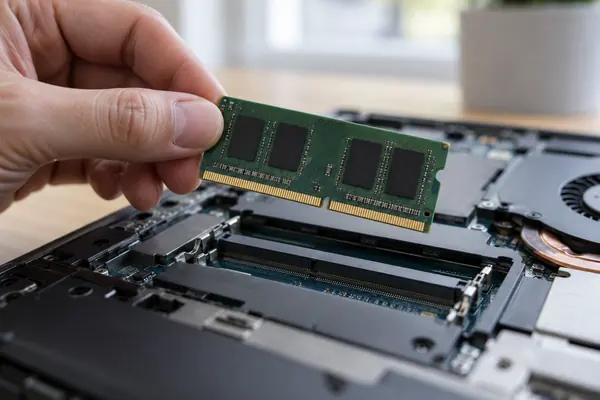
In suspend-to-RAM almost everything goes into a low-power state except the memory, which keeps its contents in self-refresh mode so you can carry on where you left off.
See the numbersHIBERNATE
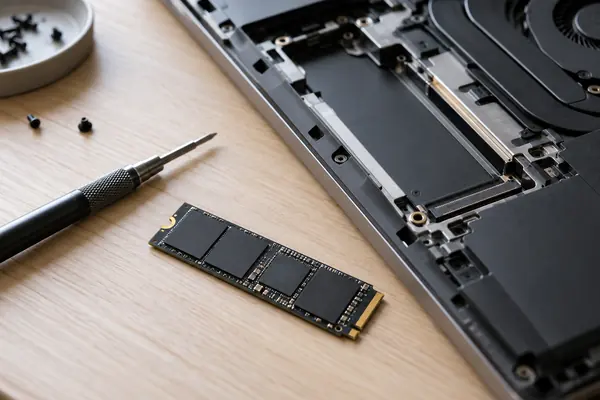
Hibernation writes a snapshot of memory to persistent storage, then cuts power to almost all the hardware. A fresh kernel boots and loads the snapshot back.
Set it upA QUICK STATE CHECK
Pick a sleep state to see what it keeps powered. The bar shows how much energy the kernel documentation says each one saves.
Which states are offered depends on the kernel configuration and on the hardware and firmware.
TWO NUMBERS WORTH KNOWING
One limit set for laptops in sleep mode,
one default for the hibernation snapshot.
3W
Most a notebook may draw in sleep mode
The ecodesign rules for computers, Regulation (EU) No 617/2013 as published on legislation.gov.uk, cap sleep-mode power at 3.00 W for notebooks and 5.00 W for desktops, and say sleep should start within 30 minutes of inactivity.
SLEEP POWER · ECODESIGN RULES
≈ 2/5of RAM
Default limit on the snapshot size
The kernel's image_size setting is a best-effort upper limit on the hibernation snapshot. By default it is set to around two fifths of the available RAM.
HIBERNATION · KERNEL DOCS
The same rules say a computer should wake from sleep and be fully usable within 5 seconds, and that the display should be set to sleep within 10 minutes of inactivity.
FOUR THINGS TO CHECK
These come from the kernel documentation, the systemd manual pages and the ArchWiki. Test any change over a few sleep cycles before you rely on it.
The file /sys/power/state lists the sleep states the kernel supports. /sys/power/mem_sleep lists the suspend variants, with the one in use shown in square brackets.
If deep is listed but not chosen, the ArchWiki suggests writing deep to /sys/power/mem_sleep and testing a few cycles before making it permanent with MemorySleepMode=deep.
Hibernation needs a swap partition or swap file, an initramfs set up to resume, and the swap location passed on, for example with the resume= kernel parameter.
systemd can suspend first and hibernate later. Without a battery it hibernates after HibernateDelaySec, which defaults to 2 hours if not set.
WHY S2IDLE IS SO COMMON
The kernel docs say the default suspend variant is usually deep where suspend-to-RAM is supported, but on some ACPI systems the firmware tables make it s2idle even when deep would work in principle.
The ArchWiki notes that manufacturers have stopped fixing bugs in the old S3 state because Windows machines are encouraged to use Modern Standby. Suspend-to-idle is meant to save as much energy as S3 while waking far faster.
Questions
No. Suspend keeps your session in memory, which stays powered, so it is fast but a complete loss of power can lose unsaved work. Hibernation saves the session to storage, so power loss does not lose it, but it is slower to enter and exit.
In systemd's logind the lid-switch action defaults to suspend, but when the laptop is docked or more than one display is connected the separate docked setting applies, and that defaults to ignore.
Not necessarily. The ArchWiki says a smaller swap still has a good chance of working, and the kernel aims to keep the snapshot below its image_size limit. The snapshot must fit in a single swap partition or swap file.
It saves your session to disk and then suspends rather than powering off. If the battery holds, the machine resumes quickly from memory; if power is lost, it resumes from the copy on disk.
The kernel must be built with hibernation support for that CPU architecture. The ArchWiki adds that enabling kernel lockdown prevents hibernation and that hibernating to swap on zram is not supported.
ABOUT THIS NAME
linuxdreamer.com is part of the DoodleSale portfolio. It isn't in an auction right now, but you can ask about leasing it.